



If you’ve ever tried to cut acrylic sheet (PMMA) and ended up with a chipped edge, a white “stress” line, or a crack that runs past your cut… you’re not alone. Acrylic looks easy because it’s “just plastic,” but it behaves differently than wood, aluminum, or polycarbonate.
I’m writing this as an engineer at a rapid manufacturing company: the goal isn’t to make you a hobbyist overnight—it’s to help you get clean, repeatable cuts and avoid the common mistakes that create scrap, rework, or assemblies that don’t fit.
This guide covers:
- how to cut acrylic by hand (scoring/knife)
- how to cut acrylic without a saw
- how to cut acrylic without cracking
- straight cuts, round shapes, and curved cuts
- tools: utility knife, acrylic cutter, jigsaw/circular saw, Dremel/rotary tool, router, laser, and CNC
- thickness-specific notes (2 mm / 3 mm)
- what to specify if you’re outsourcing cutting
Acrylic basics (PMMA): why it cracks and chips
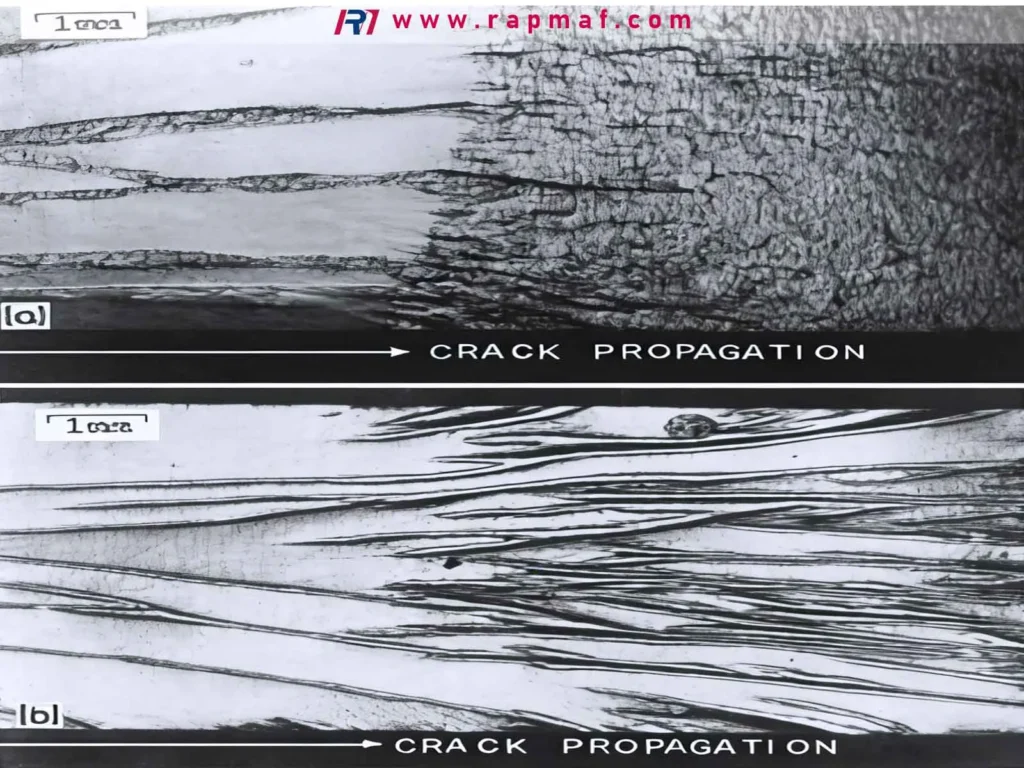
Acrylic is relatively hard and stiff, and it can be notch-sensitive. That means small edge defects—tiny chips, sharp corners, micro-cracks from aggressive cutting—can grow into bigger cracks later, especially if:
- the part is bent or screwed down
- it sees temperature swings
- the edge is “rough” and stressed from heat or vibration
Two more practical points:
- Acrylic melts and can re-weld to itself if you generate too much heat (common with Dremels and dull saw blades).
- Acrylic sheets come as cast acrylic and extruded acrylic. Extruded is often cheaper and easier to score/snap, but it can be more prone to gumming/melting and may machine differently. Cast acrylic tends to machine better and is often preferred for CNC.
If you don’t know which you have, treat it as “sensitive” and use conservative settings.
Safety (quick but real)
- Wear eye protection. Acrylic chips are sharp.
- Use a dust mask if you’re sanding/routing.
- Support the sheet fully; vibration = chipping and cracks.
- Leave the protective film on as long as possible to prevent scratches.
The best tool to cut acrylic sheet (simple decision chart)
The “best” tool depends on thickness, cut shape, and how perfect the edge must be.
Quick picker
- Thin sheet (2 mm–3 mm), straight lines, home tools: score-and-snap with an acrylic cutter or utility knife
- Thicker sheets or many straight cuts: table saw / circular saw with the right blade
- Curves/round shapes: router with template, jigsaw (carefully), CNC router
- High precision / production: CNC routing or laser cutting (with design and edge expectations clear)
Table 1 — Methods compared (speed, edge quality, cracking risk)
| Method | Best for | Typical thickness | Edge quality | Crack/chip risk | Common beginner mistake |
|---|---|---|---|---|---|
| Score + snap (acrylic cutter/knife) | Straight cuts, small jobs | ~1–4 mm (sometimes more with skill) | Clean if done right | Low–medium | Not enough score depth; snapping without support |
| Utility knife (scoring) | Similar to acrylic cutter | ~1–3 mm | OK | Medium | Wobbling cut line; too few passes |
| Jigsaw | Curves, rough shapes | ~2–10+ mm | Fair (needs finishing) | Medium–high | Using wood blade; high speed melts/chips |
| Circular/table saw | Straight, repeatable cuts | ~3–25+ mm | Good | Medium | Wrong blade tooth count; feeding too fast |
| Router (hand/CNC) | Clean edges, shapes, pockets | ~3–25+ mm | Very good | Medium | Too much heat; dull bit; no chip evacuation |
| Dremel/rotary tool | Small trims, notches | ~1–6 mm | Rough | High | Trying to “saw” slowly—melts and cracks |
| Laser cutting | Intricate 2D profiles | ~1–10 mm typical | Very good (glossy) | Low for cutting, but heat-affected edge | Assuming laser edge is “glue-ready” for all solvents |
Notes: thickness ranges vary with material type (cast vs extruded) and tool quality.
How to cut acrylic sheet by hand (score and snap)
This is the most searched approach for a reason: it’s cheap, quiet, and works very well for thin sheets.
What you need
- acrylic scoring tool (best) or new utility knife blade
- straightedge/metal ruler (rigid)
- clamps (help a lot)
- a flat workbench
- sandpaper or deburring tool for the edge
Step-by-step
- Keep the protective film on. Mark your cut line on the film.
- Clamp the sheet so it cannot move. Movement causes wavy scores and chips.
- Place the straightedge on the line. Make a few light passes first to establish a track.
- Score repeatedly with moderate pressure. Don’t try to do it in one pass.
- As a practical rule: you want a groove deep enough that you can feel the tool “track” consistently.
- Move the score line to the edge of the table (score line aligned with the edge).
- Support both sides and snap downward in one controlled motion.
- Lightly de-burr the edge (don’t overheat it with aggressive sanding).
How many passes?
There’s no perfect number because thickness and acrylic type vary. For 2 mm–3 mm, it might be a dozen passes. The key is: if it takes too much force to snap, you probably didn’t score deep enough (or you’re trying to snap without proper support).
Can you cut an acrylic sheet with a utility knife?
Yes—if it’s thin and you treat the knife as a scoring tool, not as a “cut-through” blade.
What works:
- multiple scoring passes with a new blade
- rigid straightedge
- snap with the score aligned to an edge
What doesn’t work:
- trying to push the knife through like cardboard
- snapping with the sheet unsupported (this often starts a crack that runs off-line)
How to cut acrylic sheet without a saw
If “no saw” means “I don’t have power tools,” your best options are:
- acrylic cutter/utility knife (score + snap) for straight cuts
- a fine-tooth hand saw (works, but you must go slow and support well)
- outsource: many shops can laser/CNC cut from a DXF quickly
If “no saw” means “I have tools but not a circular/table saw,” a router with a straight bit and guide can cut acrylic cleanly, but it needs practice to avoid heat.
How to cut acrylic sheet without cracking (the rules that actually matter)
Cracking usually comes from stress + notches + vibration, or from heat + re-solidification that leaves a stressed edge.
Here are the practical rules we use in manufacturing:
Rule A: Support the sheet to reduce vibration
Vibration is the enemy. If the sheet chatters, the edge chips, and micro-cracks start.
- Use a sacrificial MDF backing board when possible.
- Clamp near the cut path without blocking the tool.
Rule B: Use the right blade/bit (sharp, plastic-friendly)
For sawing:
- Use a blade intended for plastics or non-ferrous materials (fine tooth, appropriate rake).
- Dull blades generate heat and grab the acrylic.
For routing:
- Use a sharp router bit.
- Keep chip evacuation good (compressed air helps).
Rule C: Don’t let heat build up
Acrylic can melt and smear; that smearing can cool into a stressed edge.
- Increase feed (move steadily) instead of lingering.
- Reduce RPM if your tool allows.
- Take multiple shallow passes instead of one deep pass.
Rule D: Avoid sharp internal corners
If you’re cutting slots or internal cutouts, put a radius in corners. Sharp corners act as crack starters.
Rule E: Drill and fasten correctly (even if cutting was perfect)
Acrylic often cracks later around holes due to stress.
- Use proper drill geometry for plastics if possible.
- Don’t overtighten screws; use washers and allow for thermal expansion.
Case analysis #1 — “The cut looked fine, then it cracked a day later”
Situation: A buyer cuts 3 mm acrylic panels for an enclosure window with a jigsaw. Edges look acceptable, but after assembly with screws, cracks appear from corner of a rectangular cutout.
Root causes (typical):
- jigsaw left micro-chips at the inside corner (tiny notches)
- internal corners were sharp (no radius)
- screw preload added tensile stress and started crack propagation
Fix that works in practice:
- redesign internal corners with a small radius (even 1–2 mm helps)
- switch to routing with a template or CNC for cleaner corners
- deburr and lightly polish the cut edge
- use proper hole size and washers; avoid over-torque
The big lesson: when acrylic fails “later,” it’s often because cutting created a crack starter, and assembly applied the final stress.
How to cut acrylic sheet with a saw (clean straight cuts)
If you’re cutting many parts or thicker sheet, saws are efficient—when set up correctly.
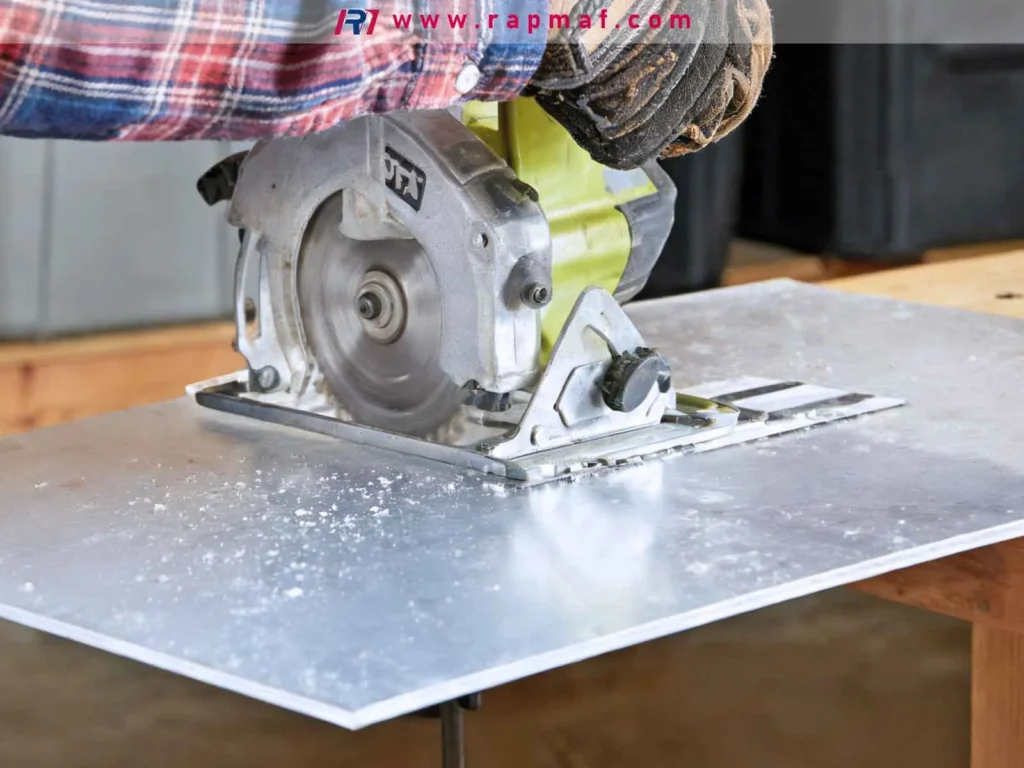
Table saw / circular saw tips
- Use a fine-tooth blade intended for plastics or aluminum/non-ferrous.
- Keep the sheet supported and flat (outfeed support prevents binding).
- Feed steadily: too slow can melt; too fast can chip.
- If you see melted “beads” on the edge, you’re generating too much heat (blade, speed, feed, or dullness).
Jigsaw tips (for curves)
- Use a fine-tooth blade suitable for plastic.
- Support the acrylic with a backing board.
- Cut slightly outside the line and finish with sanding/routing to final size.
- If the acrylic is melting and re-welding behind the blade, reduce speed and/or increase feed.
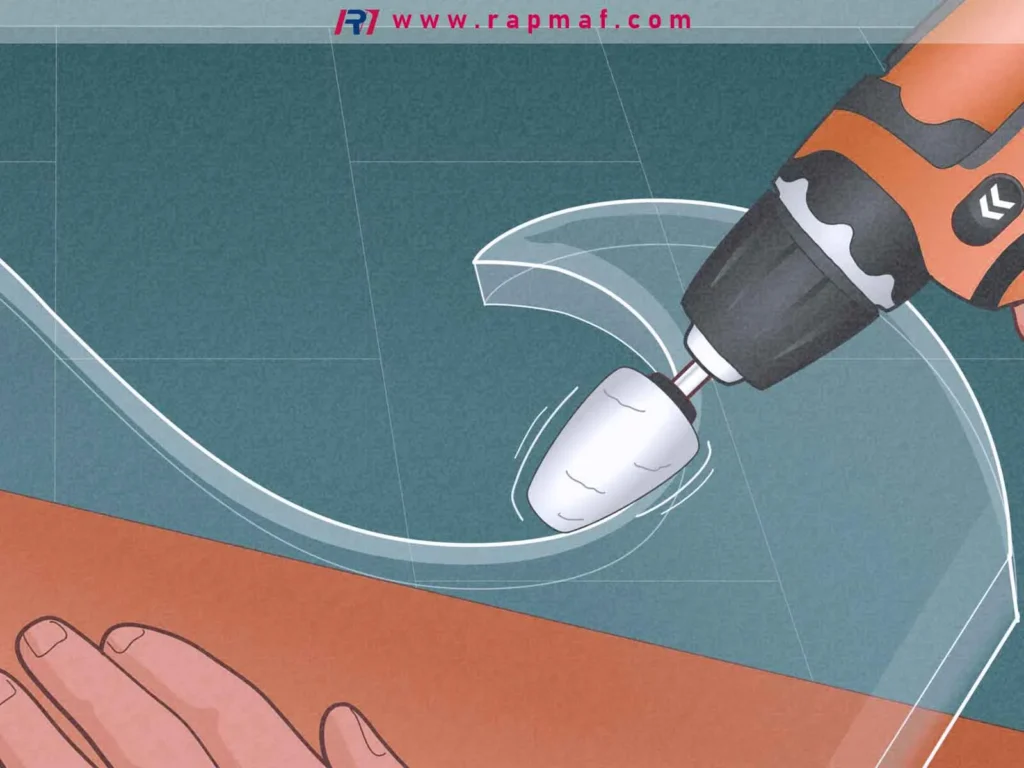
How to cut acrylic sheet with a Dremel (and when you shouldn’t)
People reach for a Dremel because it’s accessible. The problem is that rotary tools can generate a lot of heat in a small area.
When a Dremel is okay
- trimming small tabs
- enlarging a notch slightly
- roughing a shape that will be finished later
How to reduce melting/cracking
- Use a cutting wheel or appropriate burr designed for plastics.
- Don’t dwell—keep moving.
- Make shallow passes.
- Consider airflow to cool and clear chips.
When not to use it
If you need:
- straight, dimensionally accurate edges
- clean cosmetic edges without lots of finishing
- tight tolerance fit
In those cases, a saw with the right blade, a router, or outsourcing to CNC/laser is usually better.
How to cut acrylic sheet in a round shape (holes, circles, arcs)
“Round shape” can mean two things: a circular hole inside the sheet, or an outside circle.
Option 1: Hole saw (quick for round holes)
Good for larger holes, but you must control cracking:
- clamp and fully support the sheet
- use slow/controlled feed
- avoid grabbing at breakthrough (backing board helps)
Option 2: Router + circle jig (clean and repeatable)
This is one of the best DIY methods for precise circles:
- drill a pivot hole (planned location)
- make multiple shallow passes
- finish edge lightly
Option 3: CNC or laser (best for repeatability)
If you need multiple identical circles (like gasket windows or instrument panels), CNC/laser is efficient and consistent.
Case analysis #2 — “We needed 200 acrylic rings; DIY cutting was too inconsistent”
Situation: Purchasing needs 200 acrylic rings (outer diameter + inner diameter), 3 mm thick, for a light fixture spacer. DIY methods produced inconsistent inner edges and occasional cracks.
What happened:
- hole saw introduced chipping at exit
- manual sanding made OD/ID vary part-to-part
- parts didn’t stack flat due to heat warping from aggressive cutting
Practical production solution:
- switch to CNC routing or laser cutting from a DXF
- specify: cast acrylic vs extruded, thickness tolerance, edge finish expectation (as-cut vs deburred), and protective film handling
- add a simple inspection plan: check OD/ID and flatness sampling per batch
Result: less labor, better consistency, fewer assembly fit issues.
Lesson: acrylic is very “process sensitive.” For quantity, repeatability beats improvisation.
How to cut acrylic sheet curved (smooth curves, not faceted edges)
For smooth curves:
- Rough cut with a jigsaw leaving ~1–2 mm extra material
- Finish with a router using a template (flush trim bit) or sand to final line
If you try to jigsaw right on the line, any small deviation becomes visible, and the edge often needs heavy finishing that can heat-stress the acrylic.
Thickness-specific tips: how to cut acrylic sheet 2mm / 3mm
Thin acrylic is flexible, so it vibrates and chips if unsupported.
2 mm acrylic
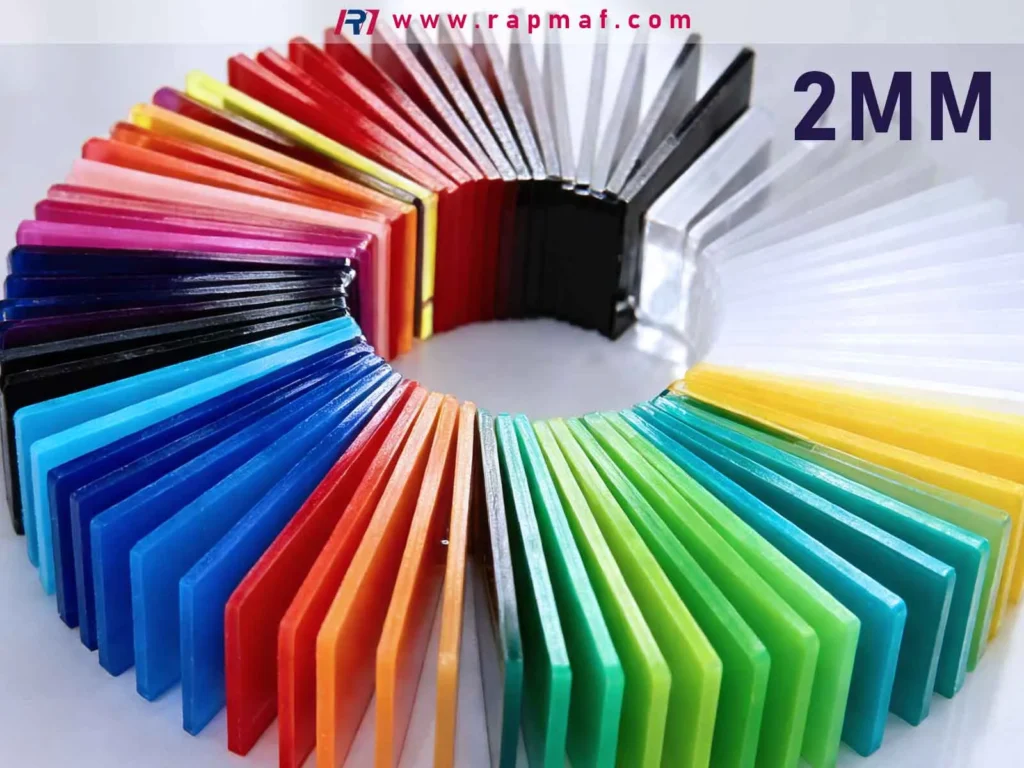
- Best method: score-and-snap
- Use full support; clamp firmly
- Be gentle during snapping—thin sheet can “tear” off line if you rush
3 mm acrylic
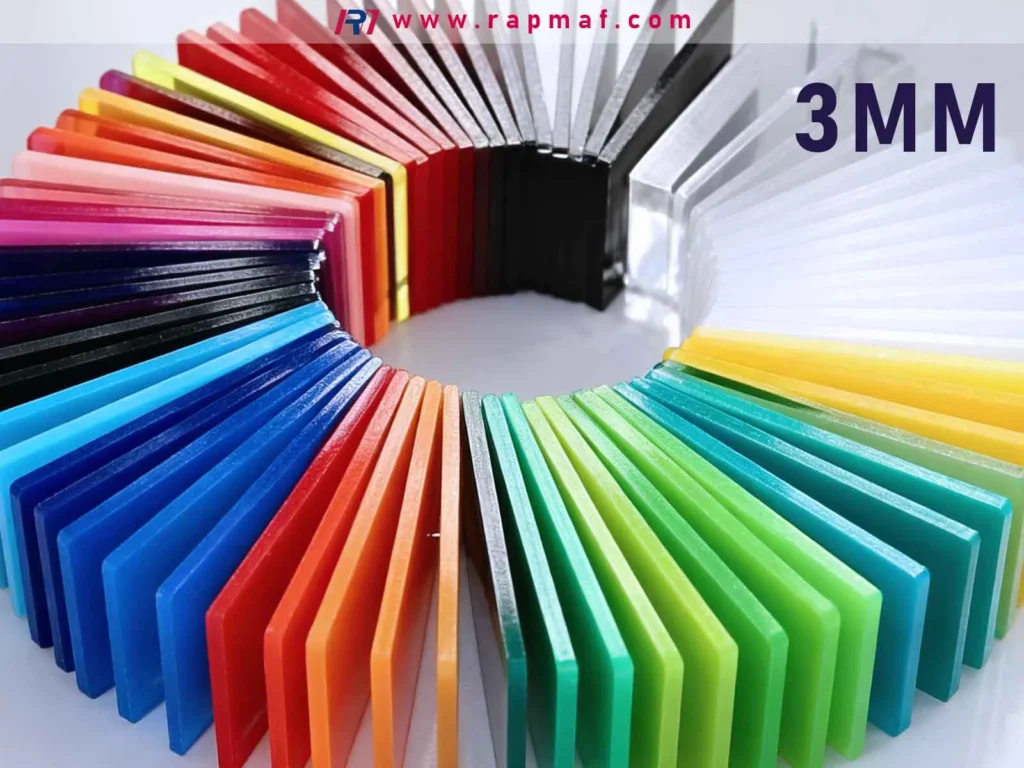
- Score-and-snap still works well for straight cuts
- For shapes/cutouts: router/CNC often gives the cleanest results
- Watch heat if using a jigsaw or Dremel
Table 2 — “Best tool” by job (simple buyer-friendly guidance)
| Your job | Recommended method | Why | Notes to avoid scrap |
|---|---|---|---|
| One-off straight cut, 2–3 mm | Score + snap | Fast, clean, cheap | Multiple passes; clamp; snap with full support |
| Many straight strips | Table saw/circular saw | Repeatable and fast | Plastic/non-ferrous blade; steady feed; backing support |
| Curved profile | Jigsaw rough + router finish | Good shape control | Leave stock for finishing; avoid heat buildup |
| Clean circles / rings | Router + circle jig or CNC/laser | Accurate and consistent | Use radii; multiple shallow passes |
| Tight tolerance panels | CNC routing | Predictable dimensions | Specify datum features and inspection needs |
| Cosmetic “gloss edge” | Laser cutting (if suitable) | Smooth, polished edge | Confirm edge requirements and downstream bonding |
If you’re outsourcing: what to put on your RFQ (so you get the result you expect)
For buyers ordering acrylic sheet cutting, ambiguity creates delays. Here’s what to include:
- Material: acrylic (PMMA), and whether cast or extruded if you care about machining behavior/finish
- Thickness: e.g., 3.0 mm (and acceptable tolerance if critical)
- Cut process (if you have a preference): laser vs CNC route vs saw cut
- Edge requirement:
- “as-cut is acceptable” or
- “deburr only” or
- “cosmetic edge on one side”
- Part file: DXF for 2D profiles (or STEP if it’s a machined part)
- Quantity & lead time
- Inspection/documentation if needed: basic dimensional report, CoC, material cert
If you don’t specify edge expectation, suppliers may deliver “as-cut” edges that are dimensionally fine but not cosmetic—and you’ll end up paying twice (once for the part, once for rework).
FAQs
What is the best tool to cut acrylic sheets with?
For thin sheets and straight cuts, score-and-snap is usually best. For repeatable precision and complex shapes, CNC routing or laser cutting is best. For thick straight cuts, a table saw with the right blade works well.
How to cut acrylic sheets at home?
For 2–3 mm acrylic, score the line repeatedly with an acrylic cutter or utility knife, then snap along a table edge with full support. For curves, rough-cut with a jigsaw and finish with sanding or routing.
Can you cut acrylic without cracking?
Yes. Support the sheet to prevent vibration, use sharp plastic-friendly blades/bits, avoid heat buildup, and add radii to internal corners. Many “mystery cracks” come from micro-chips at sharp corners plus assembly stress.
Can you cut an acrylic sheet with a utility knife?
Yes for thin acrylic (commonly 1–3 mm) using a scoring method with multiple passes and a straightedge, then snapping. Don’t try to slice through in one pass like cardboard.
How to cut acrylic sheet without a saw?
Use score-and-snap for straight lines. For circles/curves without a saw, a router with a template or circle jig can work. If you need high accuracy, consider outsourcing to laser/CNC from a DXF.
How to cut acrylic sheet without cracking when drilling or screwing?
Use proper drilling technique for plastics, avoid sharp corners near holes, use washers, and don’t overtighten. Many cracks appear after assembly, not immediately after cutting.
References
-
- Plastics machining guidance and material behavior (PMMA overview): Röhm / PLEXIGLAS® technical info (manufacturer resources)
https://www.plexiglas.de/en/service/processing - General plastics machining/cutting guidance (industry reference): Curbell Plastics fabrication guides
https://www.curbellplastics.com/Research-Solutions/Technical-Resources
- Plastics machining guidance and material behavior (PMMA overview): Röhm / PLEXIGLAS® technical info (manufacturer resources)
If you tell me your most common buyer scenario—signage panels, machine guards, windows, light diffuser parts, or acrylic prototypes—I can add a short “spec-by-application” section (what thickness, what edge, what process) that fits procurement workflows in the EU/US/Russia markets.






